
Balneário Camboriú · Itapema · Porto Belo · Praia Brava
Pré-lançamentos no litoral com quem entende de valorização
Consultoria em pré-lançamentos de alto padrão em Balneário Camboriú, Itapema e Porto Belo — para investir, morar ou veranear. Você vê a valorização projetada antes de decidir.
Empreendimento em destaque
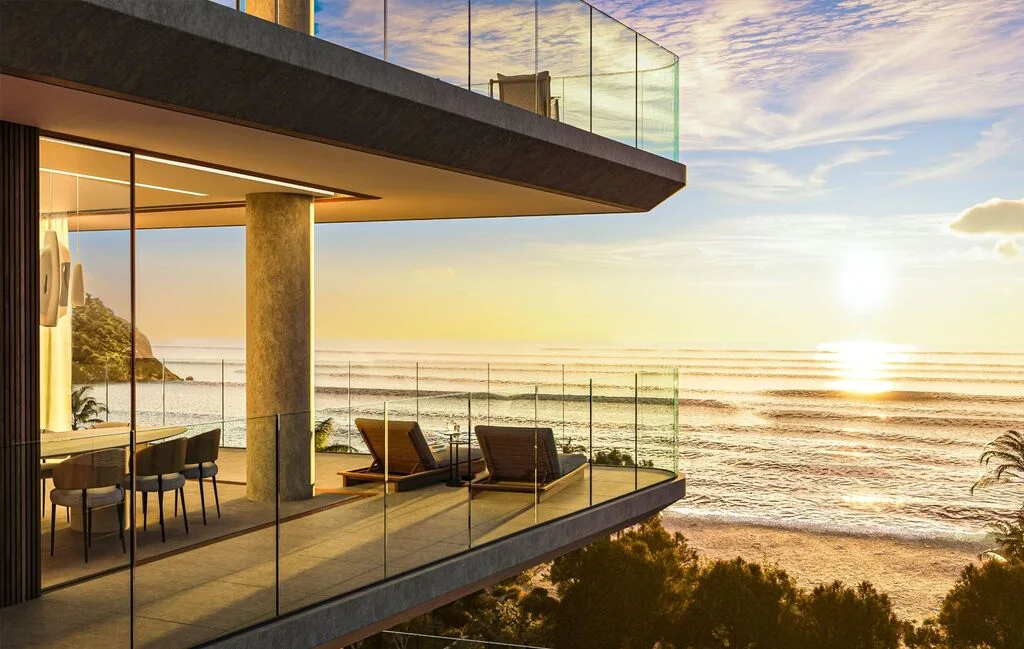
Scenarium Brava Norte
Praia Brava · Itajaí · Em obras
Estilo resort no mais alto padrão, frente mar na Praia Brava, com a mata atlântica em cena.
- Área privativa
- 189 a 281 m²
- Suítes
- 3 a 4
- Vagas
- 3 a 4
IncorporaçãoR-27 da matrícula 8.486 · 1º Registro de Imóveis de Itajaí/SC

Quem sou
Alexandre Rorato
Consultor de Investimentos Imobiliários · CNAI 4241
Atuo com pré-lançamentos em Balneário Camboriú, Itapema, Porto Belo e Praia Brava, para quem quer investir, morar ou ter a casa de veraneio no litoral. Antes de você decidir, mostro o número: valorização projetada, TIR, VPL, payback e o comparativo com as aplicações financeiras — para comprar com segurança, não com promessa.



Blog News
Últimos artigos
11 de fevereiro de 2026
Litoral norte de SC: o novo radar de expatriados que querem investir em imóveis
Expatriados estão investindo em Itapema e Porto Belo: veja os diferenciais da região, infraestrutura e como comprar lançamentos com segurança.
Leia mais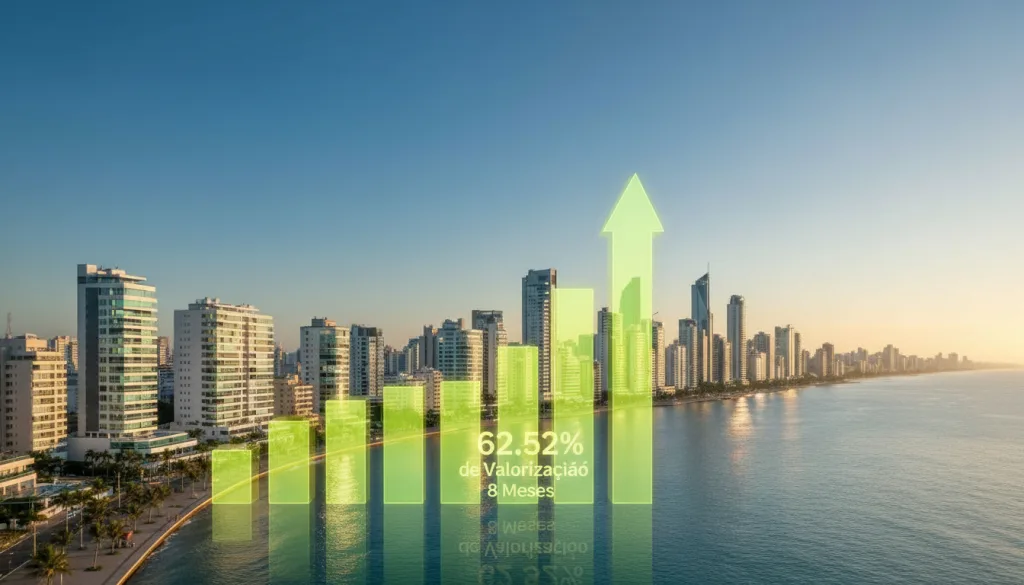
05 de janeiro de 2026
Porto Belo: O Paraíso dos Investimentos Imobiliários – Um Case Real de Valorização de 62,52% em Apenas 8 Meses
Se você ainda tem dúvidas sobre o potencial real de investir em lançamentos imobiliários em Porto Belo, conheça esse um case de uma valorização de 62,52% em apenas 8 meses.
Leia mais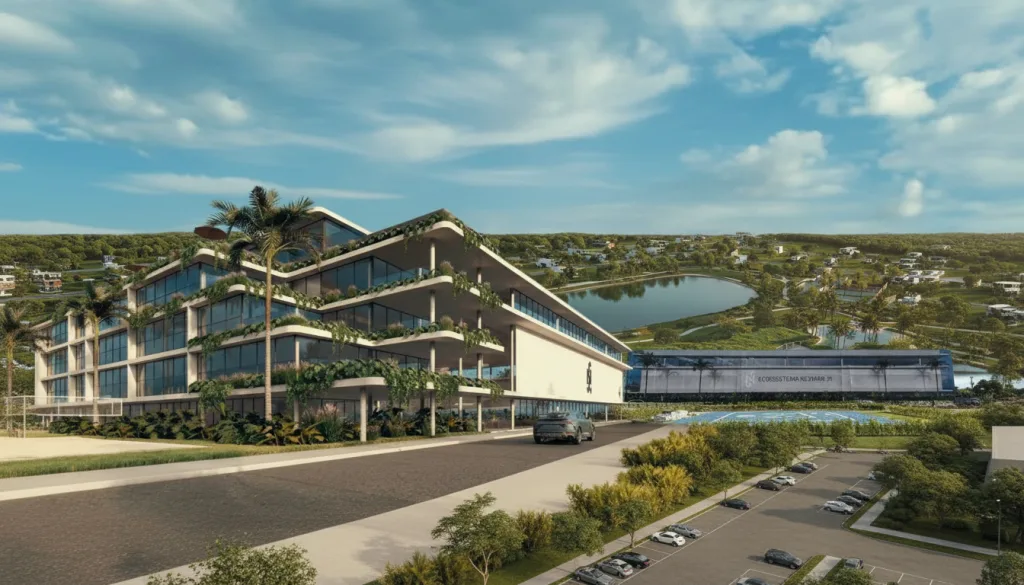
05 de janeiro de 2026
O Efeito Neymar: Como o Novo Megaprojeto em Porto Belo Redefine o Potencial de Investimento no Litoral de SC
O nome Neymar Jr. está novamente ligado ao mercado imobiliário de luxo em Santa Catarina. Após a já conhecida aquisição de sua cobertura no icônico Yachthouse em Balneário Camboriú, o craque agora ancora um projeto que promete ser um divisor de águas para a região:
Leia mais
Análise de investimento
Como eu analiso o seu investimento
Antes de você decidir, cada imóvel passa pelo meu app de análise: fluxo de pagamento, valorização até a entrega, TIR, VPL, payback, renda de locação e o comparativo com as aplicações financeiras. Você recebe o relatório completo.
Exemplo de relatório · os números mudam a cada imóvel e condição de pagamento
Resultados financeiros
Total desembolsado
R$ 776.143,75
% pago até a entrega
75,00%
Saldo devedor final
R$ 0,00
Valor projetado na entrega
R$ 2.133.723,25
ROI anual
15,54%
ROI mensal
1,21%
VPL
R$ 482.167,05
TIR anual
36,38%
TIR mensal
2,62%
Payback
9 meses
Valor/m² real
R$ 10.830,90
Valor/m² projetado
R$ 38.809,08
Imóvel vs investimentos financeiros
- CDB
- Imóvel
- SELIC
- Fundos
- Poupança
CDB
R$ 2.472.385,66
Imóvel
R$ 2.133.723,25
SELIC
R$ 1.942.120,29
Fundos
R$ 1.611.398,73
Poupança
R$ 1.330.174,00
Desencaixe anual vs renda de locação
Renda de locação projetada a partir de 2033
Projeção de locação
Renda mensal líquida
R$ 2.975,00
Renda anual líquida
R$ 35.700,00
Rendimento bruto
0,45% a.m.
Rendimento líquido
0,38% a.m.
Rendimento bruto
5,41% a.a.
Rendimento líquido
4,60% a.a.